
June 22, 2026
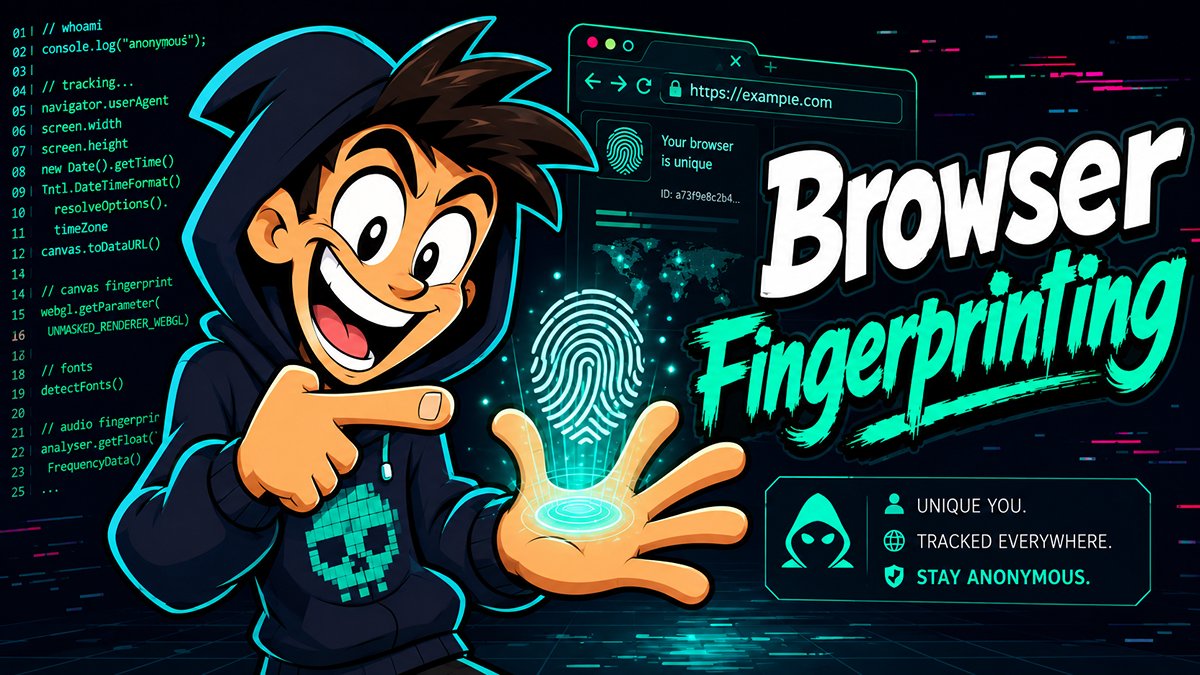
What does your browser know about you? Is it just a viewer into the vast web? Or does it harbor things that may be bad juju…
The browser is capable of amazing things, but that convenience comes at a privacy cost. As you explore the web, the browser constantly reveals small bits of information needed to render pages correctly. Individually, those details may seem harmless. Combined, they can become a surprisingly unique fingerprint. Some information disclosure is unavoidable if websites are going to render correctly, but the amount of exposed information can vary greatly depending on the browser, settings, extensions, and site permissions.
Unlike cookies, browser fingerprints do not need to be stored on your machine. A site can calculate your fingerprint on demand by querying browser properties and observing behavior. Clearing cookies helps, but it does not necessarily reset your fingerprint if the same signals are still present. Check out the breakdown of each tracking method in the table below.
Information Location Table
| Tracking Method | Where Identifier Lives | User Can Easily Clear It? | Example |
|---|---|---|---|
| Cookie | Browser storage | Usually yes | Login/session cookie |
| Local storage | Browser storage | Usually yes | Site preferences |
| Browser fingerprint | Calculated from browser/device traits | Not directly | Combination of plugins, fonts, timezone, etc. |
| Account correlation | Server-side identity | No, unless account separated | Same login across profiles |
User-Agent
When you type in a web address (URL) for a particular website, your browser sends a string (a collection of metadata in textual format) that identifies the web browser being used. The operating system you are using. Are you on a mobile browser or not? Does your browser support certain features?
But why, you may ask?
Well, this piece of textual information is presented to the web server hosting / serving up the site in question. This will allow the web server to know if you are on a mobile browser or not. That will change how the content gets delivered for best usability. As the web standards shift and change, so does the ability to support more and more features. Knowing the browser version helps the site and its configuration determine which features are supported.
Other Technical Examples of Fingerprinting
- Canvas fingerprinting: Code that allows rendering of text and shapes as if on an invisible canvas being drawn on in the browser. Different technical specifications from your computer (i.e. GPU, drivers, fonts, OS) and other behavioral signatures can be used for fingerprinting.
- WebGL fingerprinting: Sites can query graphics capabilities, GPU renderer details, shader behavior, and rendering quirks. Think of this as sites asking your computer how they handle 3D graphics. Your hardware's specific response creates a signature all your own.
- Audio fingerprinting: The browser’s audio processing (APIs) can produce tiny differences based on hardware, drivers, and implementation details.
- Font detection: Sites may infer installed fonts, such as by measuring rendered text dimensions or probing fallback behavior. Sites can effectively 'scan' which fonts you have installed by seeing how they display on your screen—since most people have a specific mix of custom fonts, this is super distinctive.
- Behavioral signals: Mouse movement, typing cadence, scroll behavior, and timing patterns can add another layer of identification. Think of this as your digital handwriting; your personal style—how fast you type or how you move your mouse—is surprisingly hard to fake. This can be further narrowed by analyzing your writing semantics, topics, and even your slang, but that’s a whole other topic.
Your browser is a treasure trove of information. Now individually, these things don't cause much harm. However, the more browsing features available, the ability to uniquely identify, and therefore track a user, increases. The more information that can be gathered, the better the tracking in play.
Mobile Fingerprinting
Mobile fingerprinting is its own swamp. Mobile browsers often expose all sorts of information about your browsing device - device class, viewport size, touch support, OS version, language, and network hints. In-app browsers can add more tracking because they may be tied to the app ecosystem itself, narrowing the fingerprint further.
Common Mistakes
Installing too many browser extensions, even those designed to enhance privacy. Most browser extensions have too many permissions, and can not only see your web browsing, but can change what you are actually seeing on the screen.
Manually spoofing user-agent strings without understanding side effects (i.e. short, specific user-agent strings stand out vs. normalized, long user-agents)
Logging into the same accounts across “separate” identities. Intermingling separate identities, even once, can be enough to identify you across accounts.
Maximizing the Tor Browser window - Tor browser specifically recommends keeping its default window size, so you blend together with other Tor users, vs. being able to be identified by your specific monitor size and specifications.
Assuming VPNs prevent browser fingerprinting. Generally, people should not assume VPN traffic is private unless they are using servers they control.
Thinking incognito/private mode makes you anonymous. It does not.
Using rare fonts, themes, plugins, or unusual browser settings.
Browser Fingerprinting Signals
In summary, many technical signals can be used together to identify you based on the specific browser fingerprint you leave behind when you view a website:
- User-agent and client hints
- Screen size, color depth, pixel ratio
- Timezone and locale
- Installed fonts or font rendering behavior
- Canvas rendering
- WebGL/GPU behavior
- Audio API behavior
- Hardware concurrency / CPU threads
- Device memory hints
- Touch support
- Browser permissions
- Extension side effects
- Network signals such as IP address, DNS behavior, and TLS fingerprinting
- Behavioral patterns such as mouse movement, scrolling, and typing rhythm
Practical Defense Recommendations
The key philosophy here is to make fingerprinting unreliable by poisoning the measurements. By performing certain actions, you can guard against most attempts to track your activity.
Every day privacy: Use Brave or Firefox with uBlock Origin, limited extensions, third-party cookie blocking, and separate profiles for ultimate privacy at home. Be aware these browsers may not be approved on your work computers, and that uBlock Origin is still a browser extension with its own risks.
Stronger anonymity: Use Tor Browser, with default window size, no extra extensions, no personal logins passed through the network.
Work/personal separation: Separate profiles or browsers, separate accounts, avoid cross-login contamination. This can be done in many ways, such as different browser profiles, different user accounts on the computer, or even different virtual machines (VM) for each profile.
High-risk research: Dedicated VMs, VPN/Tor depending on policy, legal context, and threat model; no personal accounts, strict compartmentalization.
Uniqueness is the enemy. You want to blend into the crowd. However, some extensions have side effects. The nature of their behavior will present a potential attacker with valuable information. For example, something like a password manager (which are recommended tools) may inject code into the DOM (the browser's programmatic representation of a webpage) to allow the user to click a name and log into that site. However, that modification of the DOM is detectable. Thus, questionable extensions should be avoided.
The tradeoff is usability. Blocking third-party scripts can break login flows, payment pages, embedded videos, CAPTCHA, maps, and comment systems. A practical approach is to block by default where possible, then selectively allow scripts for sites you trust.
Knowing is good. Knowing what to do about it is better.